Pick your country, your region and the occasion
- The first time you open the app it asks where you are cooking or shopping. Tap your country: India North America Europe UAE Australia or New Zealand. It sets your currency, units, local shops and prices.
- Changed your mind, or travelling? On Home, tap Change next to Region and pick another country.
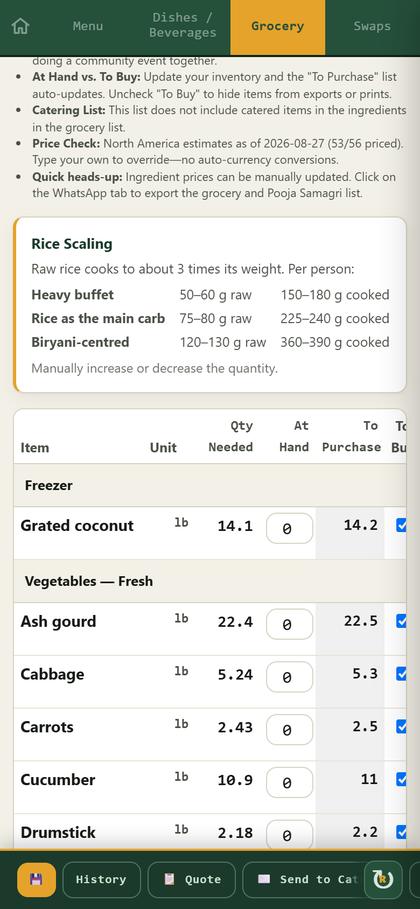
- Tap your region: Tamil Nadu, Kerala, Karnataka or Andhra & Telangana. It sets the menu and the dish names.
- Tap the occasion: a festival, a wedding function, an observance or a family ceremony.
- About Sadya Planner is at the top of Home. The Play the Sadyoku puzzle link at the bottom opens the puzzle in a new tab. On a free trial, the last line shows the days left. Delete my account, beside Privacy, removes your trial account.
A Tamil family in New Jersey picks North America and Tamil Nadu: a Tamil menu at US prices. Australia and New Zealand have their own shops and price estimates too.
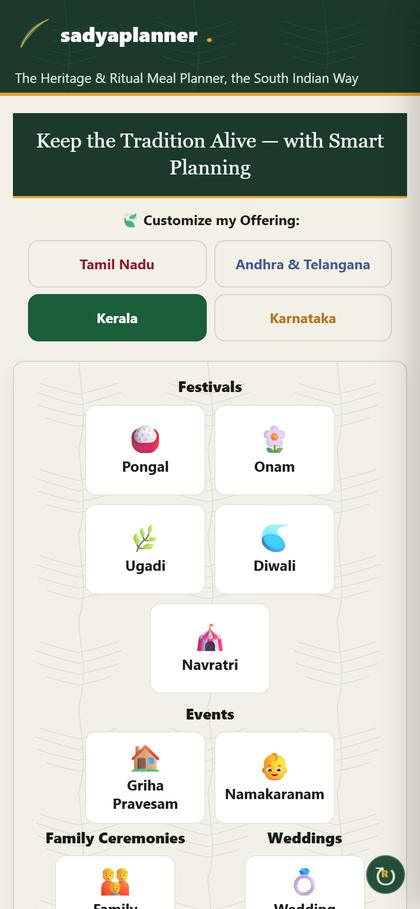
Menu: guests, buffer and dishes
- Type your Guests, then pick a Buffer %: 10, 15 or 25. Cooking for shows the total.
- Tap Select for me to fill in the traditional menu, or tick dishes yourself. A ★ marks a signature dish.
- For each dish choose Home, Caterer or Store.
- Tap a dish name with the book mark 📖 to see its recipe, and in English press Listen to hear it (see Recipes).
Only Home dishes go on your shopping list. Caterer and Store dishes are ordered, not cooked.
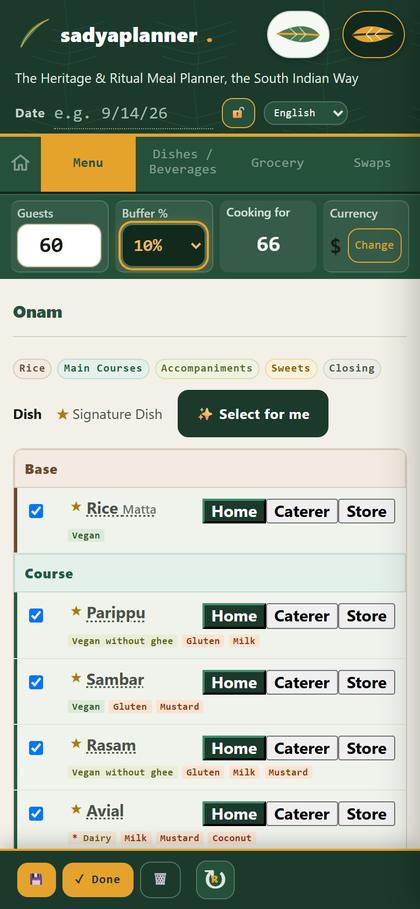
Dishes / Beverages: check each dish
- See every chosen dish with its calories and allergen tags (dairy, gluten, nuts, mustard and more).
- Change where a dish comes from with its Source box.
- To add or remove dishes, go back to Menu.
- Tap a dish name to open its recipe.
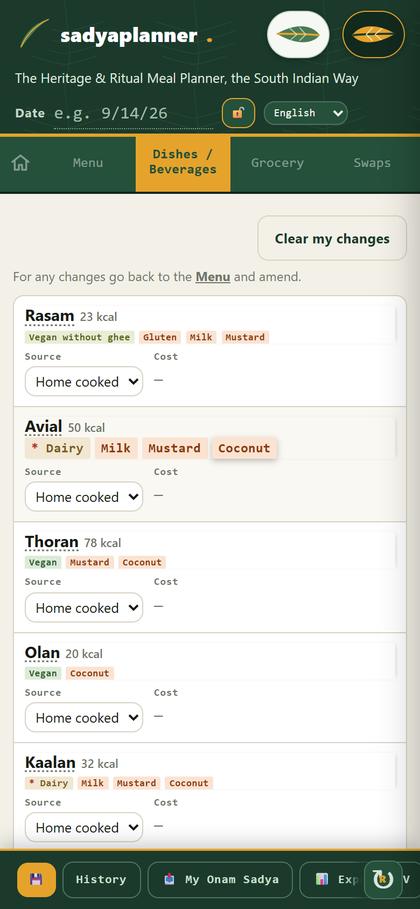
Grocery: what to buy, and how much
- Quantities are worked out for your guests, in your market's units.
- Type what you already have in At Hand. To Purchase goes down.
- Untick To Buy to leave an item off your prints and messages.
- Prices are estimates for your country. Type your own price to replace one. Australia and New Zealand estimates come from India At Home and Vel Spices (Australia) and Mandi Bazaar and The Food Land (New Zealand). Items those stores do not sell, such as fresh vegetables and milk, start empty: type your own.
- Tap Pooja Samagri for the pooja items, flowers and shops in your market.
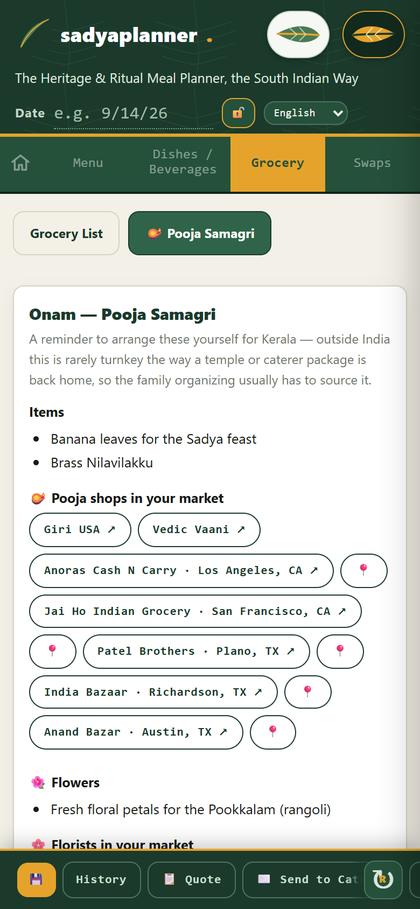
Swaps: for allergies and diets
- Open Swaps for substitutions that keep each dish tasting like itself: ghee, dairy, wheat, nuts and more.
Prasadam is always home-cooked, with the Sattvik recipe: no onion, garlic or asafoetida.
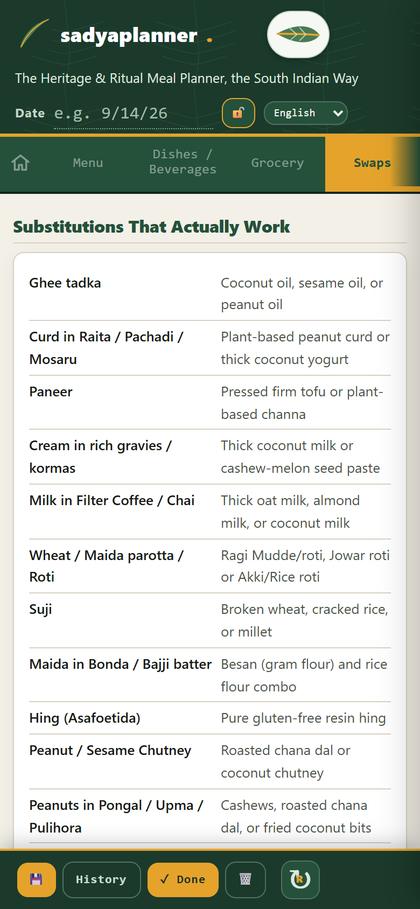
Save and share your plan
- Tap 💾 Save. Saved plans are in History to open and change later.
- 📄 PDF prints the purchase planner. 📊 CSV opens it in a spreadsheet.
- 💬 WhatsApp sends the whole shopping list in one message, to your spouse or the shopper.
- Using a caterer? Quote and Send to Caterer share your menu and guest count.
Plans are saved on the phone or laptop you use. Open History on the same device.
Recipes: read it or listen to it
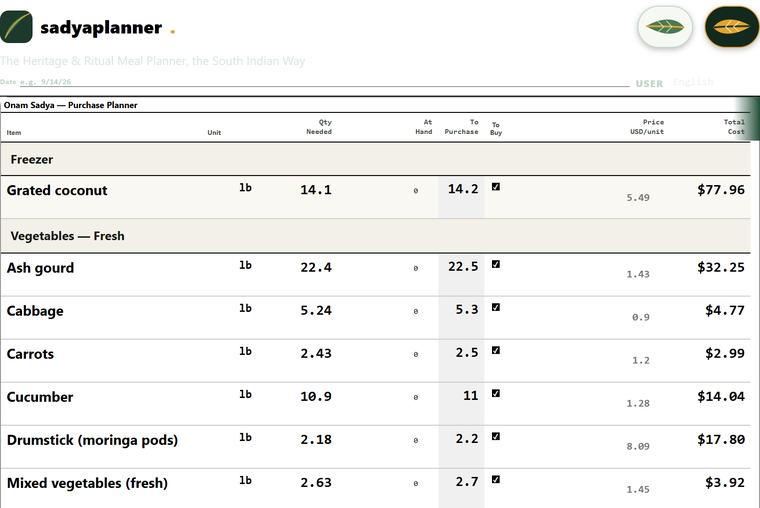
- On Menu and Dishes / Beverages, tap any dish name that has a small book mark 📖 after it. Its recipe opens.
- The recipe scales to your guests: change Cooking for and the ingredient amounts change.
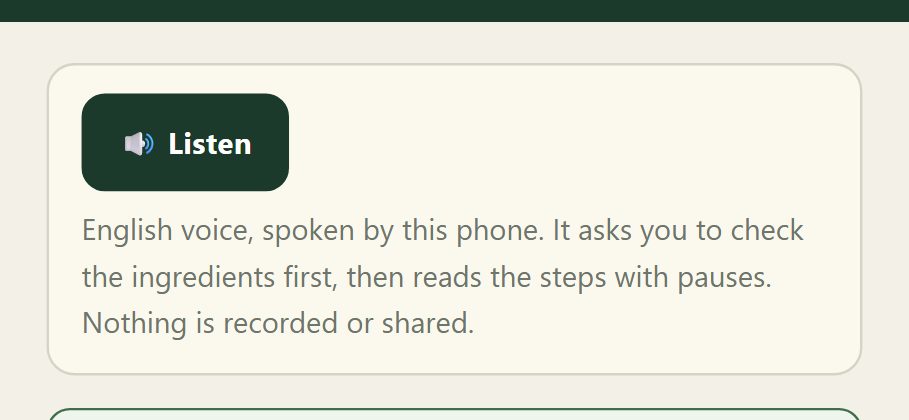
- In English, press 🔊 Listen to hear how to make it. First it asks “Have you kept all the ingredients as per the recipe ready?” Check the list, then tap Yes, ready.
- It then reads the method one step at a time, with pauses. Back, Pause, Next and Repeat step keep you in control. It names the ingredients but never reads amounts: follow the recipe on screen.
- The voice is your phone's own English voice and works without internet. Nothing is recorded, saved or shared.
Hear an American accent? On Android open Settings, then Text-to-speech, and install English (India) voice data, then press Listen again. The line under the buttons shows which voice is speaking. Listen is for English only.
Navratri / Golu: nine days
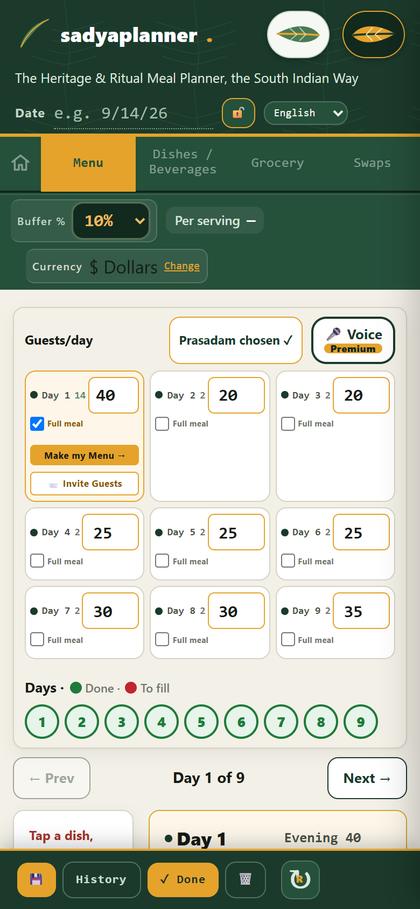
- Type the guests for each day in its box.
- Tap Make my Prasadam Choices to fill the morning and evening prasadam.
- Hosting a meal? Tick Full meal on that day, then tap Make my Menu.
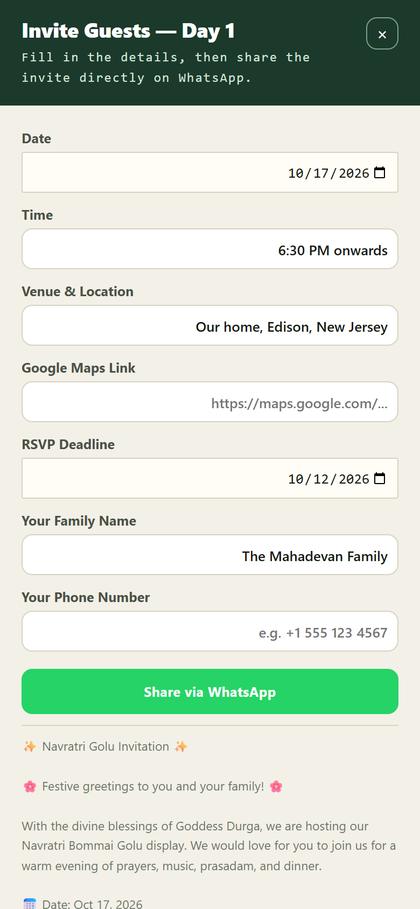
- Tap 📨 Invite Guests, fill in the date, time and place, then Share via WhatsApp.
Day circles turn green when a day is done and stay red while it still needs filling.
Weddings: one function at a time
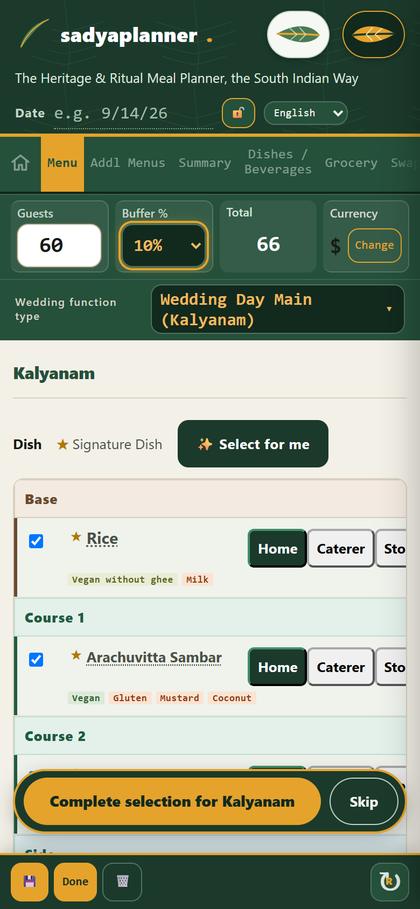
- Pick the function in Wedding function type, from the engagement to the reception.
- Choose its dishes, then tap Complete selection, or Skip if you are not hosting it. The next function opens.
- Set the meal time once for the whole function. The Grocery tab shows an estimated caterer cost.
Stuck?
The app looks old, or a fix isn't showing
Tap the ↻ button at the top right. On a laptop you can also press Ctrl + Shift + R.
My grocery list is empty or short
Enter your guests and tick dishes on Menu. Only Home dishes are on the list: Caterer and Store dishes are ordered, not cooked.
A Navratri day is still red
Type that day's guests, then tap Make my Prasadam Choices, or tick Full meal and tap Make my Menu.
The wedding stays on one function
Tap Complete selection to move on, or Skip if you are not hosting that function.
A price looks wrong
Prices are estimates for your market. Type your own price over it. Local taxes and service charges are extra.
I can't find my plan
Open History on the same phone or laptop you planned on. Plans are saved on that device.
Still stuck?
Write to info@sadyaplanner.app with your region, the occasion and what you tapped. We'll help.